Aug 25, 2026Tech Insights
Will Wireless Charging Work with a Thick Phone Case?
Does wireless charging work through thick phone cases? Discover the 3mm-5mm thickness limit, metal material risks, and MagSafe case advantages — technical insights for brands and procurement teams.
Will Wireless Charging Work with a Thick Phone Case?
Yes—but there‘s a catch. Wireless charging will work through a phone case only if the case thickness is within 3mm to 5mm and it contains absolutely no metal materials or magnetic card slots. For the best possible experience, MagSafe or Qi2-compatible cases with built-in alignment magnets deliver optimal charging efficiency.
1. The Limit: Thickness and Air Gap Distance
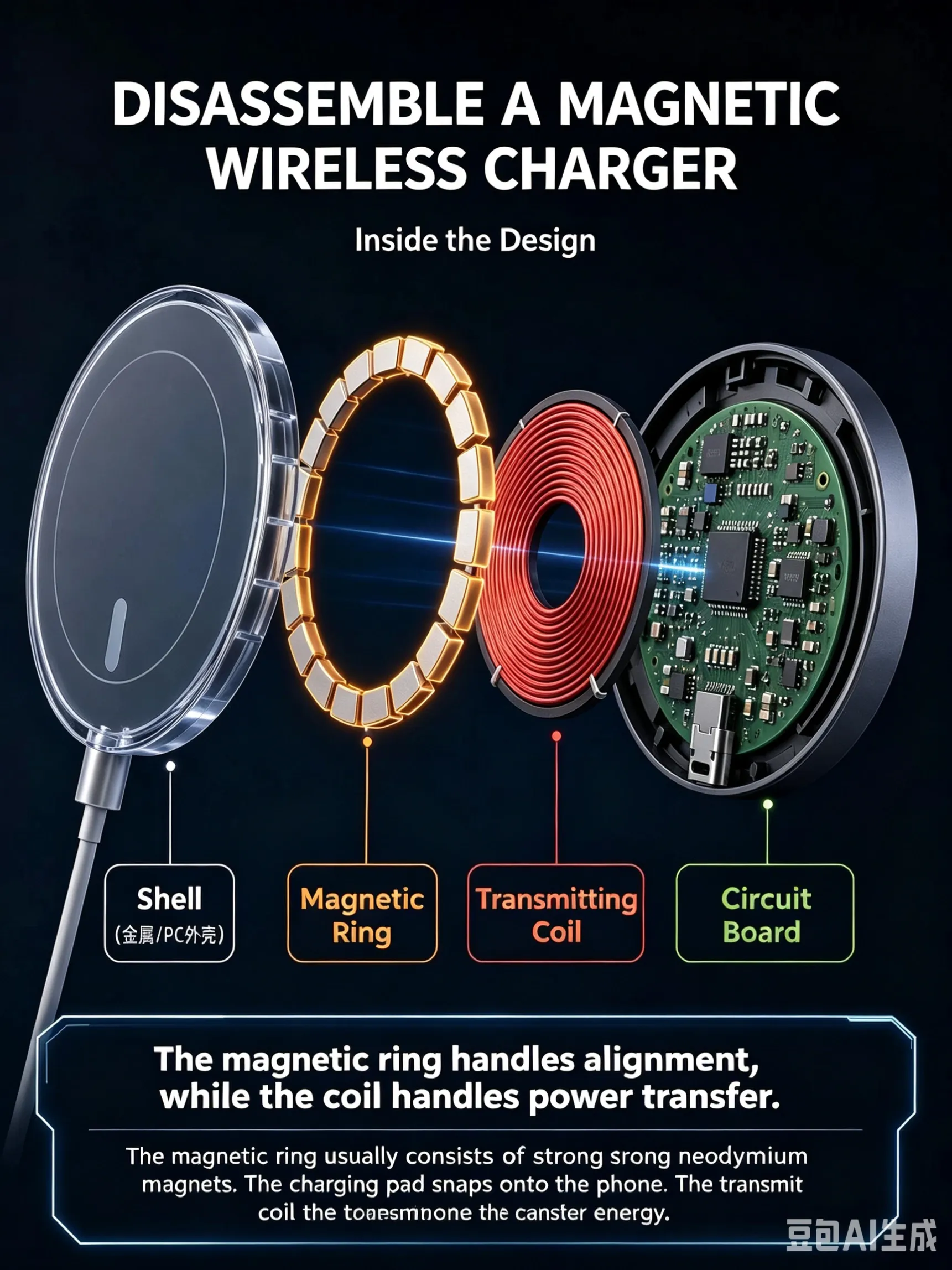
Wireless charging relies on electromagnetic induction—energy transfers between the charger‘s coil and your phone’s receiving coil through a magnetic field. For this to work effectively, the air gap between the two coils must be minimal.
The effective sensor distance for most wireless chargers is typically 3mm to 5mm. Exceeding this range causes:
- Increased energy loss
- More heat generation
- Failed charging trigger or intermittent connection
Some premium chargers may support up to 8mm, but charging efficiency drops significantly beyond 5mm. For stable, full-speed charging, stay within that 3mm–5mm sweet spot.
2. Phone Case Materials & Features to Avoid
🚫 Metal or Aluminum Alloy Frames
Metal blocks the electromagnetic field. Worse, it can trigger the charger‘s Foreign Object Detection (FOD) safety mechanism, which immediately cuts power to prevent overheating hazards. Result: no charging at all.
🚫 Metal Kickstands or Ring Holders
Even small metal attachments increase the air gap and cause energy loss. They may also interfere with magnetic field alignment.
🚫 Card Slot Cases (with credit cards)
The high-frequency electromagnetic field can demagnetize the magnetic strips on credit cards, hotel key cards, or transit cards. Keep your cards away from wireless chargers.
3. Charging Performance by Phone Case Type
Case Type | Typical Thickness | Wireless Charging Compatibility | Charging Speed |
|---|---|---|---|
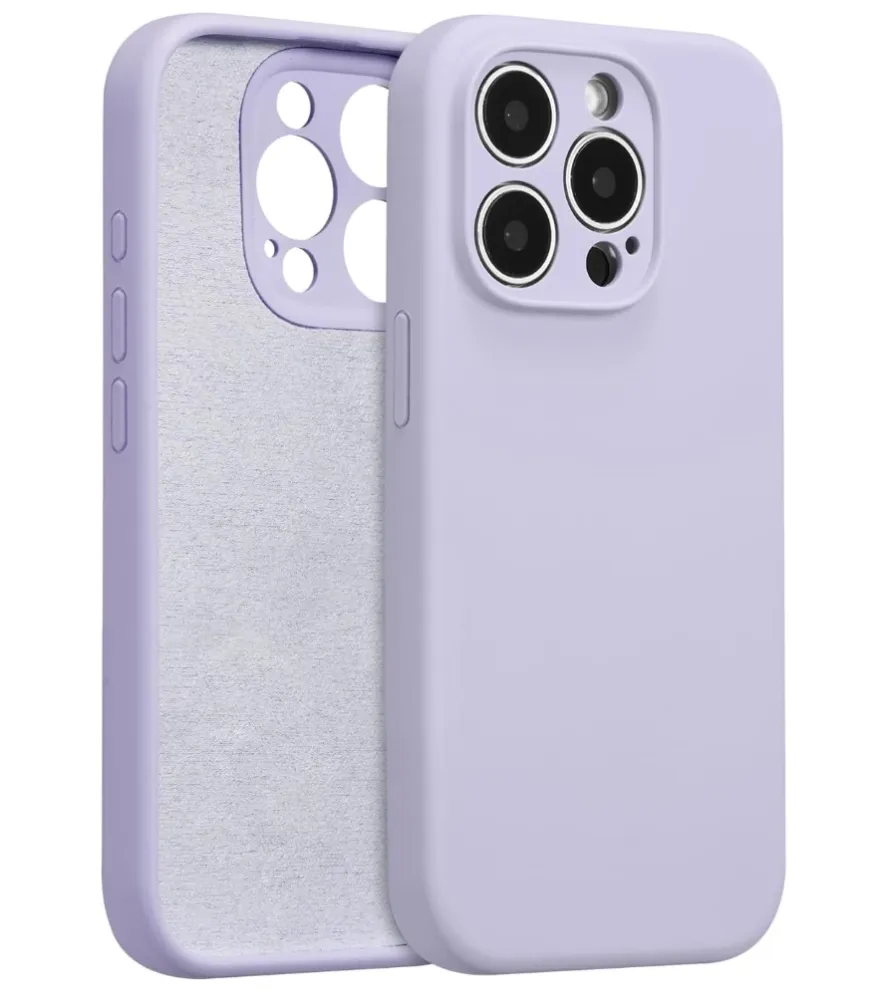
Ultra-thin TPU/Silicone | < 2mm | ✅ Full compatibility | Best – full power |
Heavy-duty Rugged/Armor | > 5mm | ⚠️ May not detect | Slow or no charging |
Metal or Hidden Metal | Any thickness | ❌ Cannot charge (error) | None – FOD trigger |
MagSafe Magnetic Case | 2–3mm | ✅ Excellent (auto-alignment) | Best |
Test data confirms the trend: thinner, metal-free cases deliver stable wireless charging. Thick cases (over 3mm) or those containing metal structures cause significant performance drops—sometimes preventing charging entirely.
4. FAQ
Q: Why does my phone get hotter when charging with a case on?
A: Heat is a direct result of reduced energy transfer efficiency. When a thicker case sits between the coils, more energy is lost and converted into heat rather than electricity. This is why you’ll notice warmth concentrated around the coil area on both the phone and the charger.
Q: My phone won‘t charge with the case on. How do I troubleshoot?
A: Use this simple 3-step diagnostic:
- Remove the case and place your phone directly on the charger. Does it start charging?
- If yes, the case is the problem—either it’s too thick or it contains interference-causing materials.
- Measure the case thickness (under 3mm is ideal) and check for any metal—including decorative trim, logos, or embedded magnetic rings.
For best results, invest in a MagSafe-compatible case with built-in alignment magnets. These cases are specifically engineered for wireless charging, keeping thickness under control while providing the magnetic alignment that ensures consistent, efficient energy transfer.
Still unsure which case works with your wireless charger? Most modern chargers follow the Qi standard—look for cases labeled “Qi-compatible,” “MagSafe-compatible,” or “wireless charging friendly.” When in doubt, test it without the case first, then work backward to find the perfect balance between protection and performance.